
Install the WordPress plugin
The FormStatus companion plugin connects your WordPress site to your FormStatus account. Install it on the site whose forms you want to monitor.
Install from WordPress
Section titled “Install from WordPress”- Sign in to your WordPress dashboard.
- Open Plugins, then Add New Plugin.
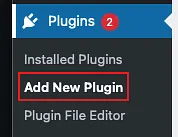
- Search for FormStatus in the plugin search field.

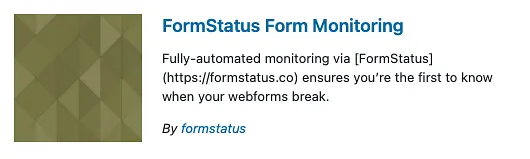
- Find FormStatus Form Monitoring and select Install Now.
- Select Activate when installation finishes.
Download the plugin from FormStatus
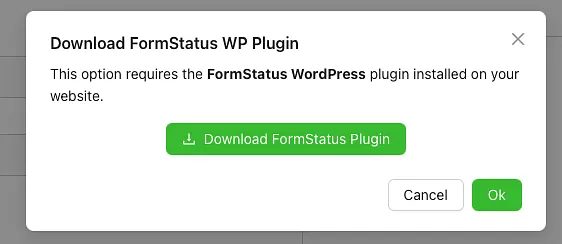
Section titled “Download the plugin from FormStatus”When you enable email testing in the FormStatus app, the plugin reminder includes a Download FormStatus Plugin button. Use it if you need a ZIP file for manual installation.
Install from a ZIP file
Section titled “Install from a ZIP file”If you already have a FormStatus plugin ZIP:
- Open Plugins, then Add New Plugin.
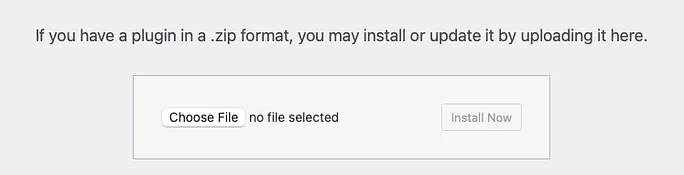
- Select Upload Plugin.

- Choose the ZIP file and select Install Now.
- Select Activate Plugin.
Next step
Section titled “Next step”With the plugin active, add your first form in your FormStatus account.