
Fluent Forms email notifications
If a Fluent Forms submission succeeds but its notification is missing, check the form’s own email configuration first.
- Open the form in your WordPress dashboard.
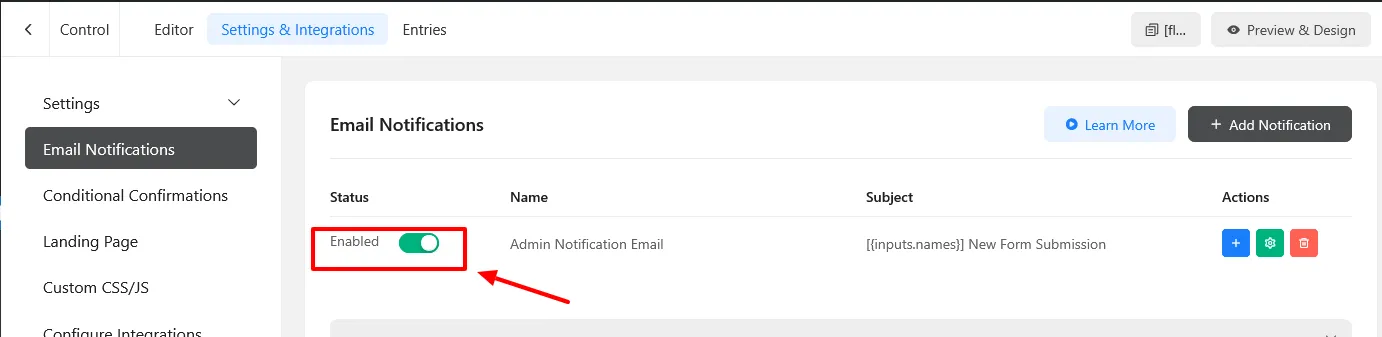
- Go to Settings & Integrations > Email Notifications.
- Ensure the intended notification exists and is enabled.
- Review its recipient, sender, and conditional rules.
- Submit the form yourself using test data, then review your site’s email delivery logs.
For FormStatus email checks, also confirm that the companion plugin is active and email testing is enabled for the monitored form. Run another manual test after saving changes.
Investigate email not detected by FormStatus if normal notifications work but the monitoring inbox does not receive the test message.